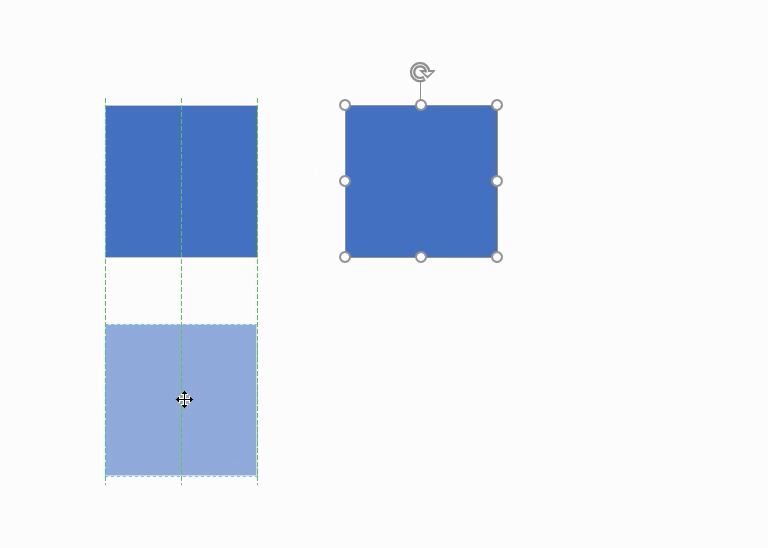
VISIO:図形配置時の補助線 ダイナミックグリッド


補助線

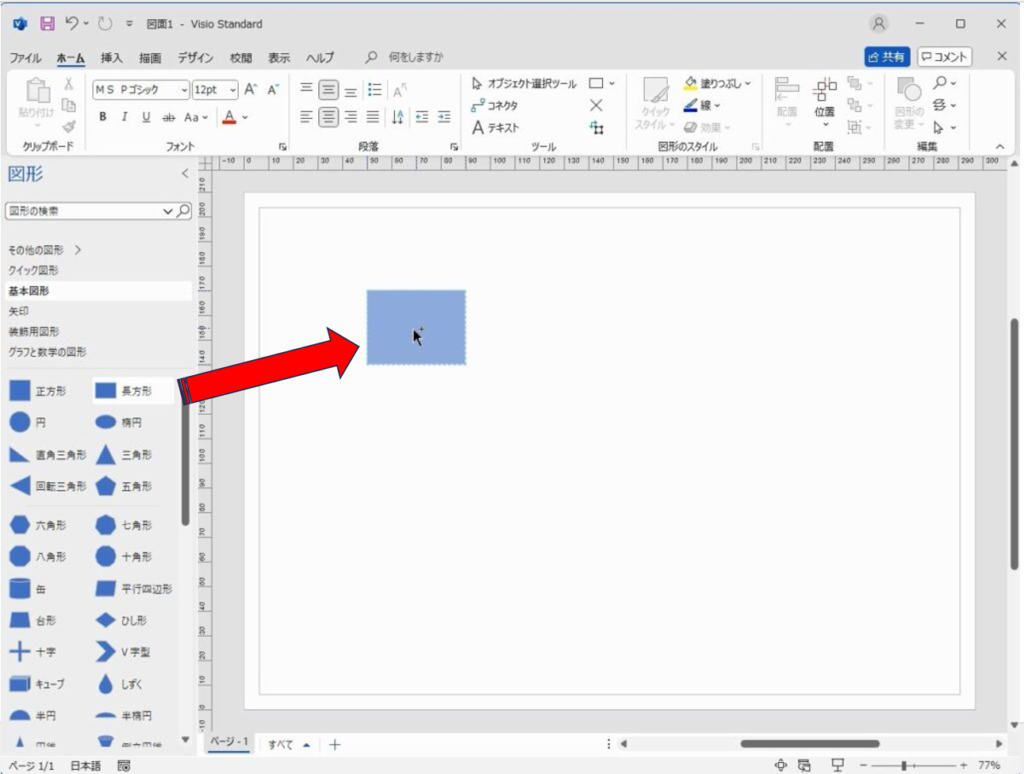
図形の配置はマスターシェイプをドラッグアンドドロップして配置いたします。

配置の際に補助線が出ることがあります。

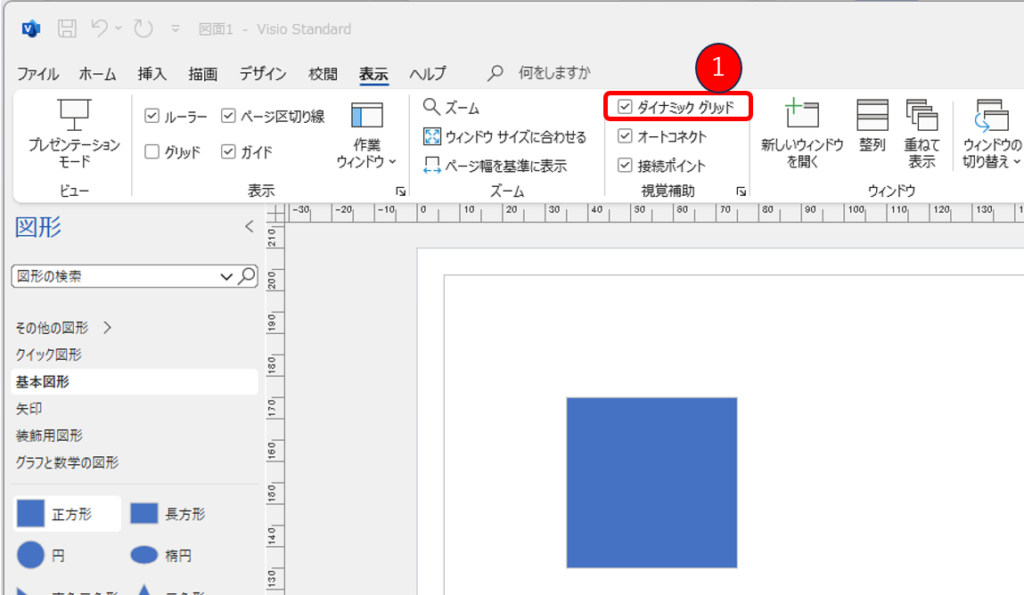
この補助線は、表示タブの①ダイナミックグリッドにチェックを入れることで、表示されます。
This website stores cookies on your computer. These cookies are used to provide a more personalized experience and to track your whereabouts around our website in compliance with the European General Data Protection Regulation. If you decide to to opt-out of any future tracking, a cookie will be setup in your browser to remember this choice for one year.

Accept or Deny